
Using Custom Themes
Learn how to use custom themes in Fumadocs
Introduction
Fumadocs provides multiple ways to theme your docs. This guide walks you through using the built-in themes and customizing the design system.
Setup
Fumadocs UI ships with ready-to-use themes and a Tailwind CSS preset.
Only Tailwind CSS v4 is supported. Import the preset and a theme stylesheet in your src/styles/globals.css file:
@import 'tailwindcss';
@import 'fumadocs-ui/css/neutral.css';
@import 'fumadocs-ui/css/preset.css';
Note: If you're using Shadcn UI, use the shadcn preset to have Fumadocs UI adopt your Shadcn theme.
@import 'tailwindcss';
@import 'fumadocs-ui/css/shadcn.css';
@import 'fumadocs-ui/css/preset.css';
Preflight Changes
Using the preset or pre-built stylesheet will change default border, text, and background colors.
Light/Dark Modes
Light/dark modes are supported via next-themes and included in the Root Provider.
Note: See Root Provider for details.
Colors
4.1. Theme Gallery
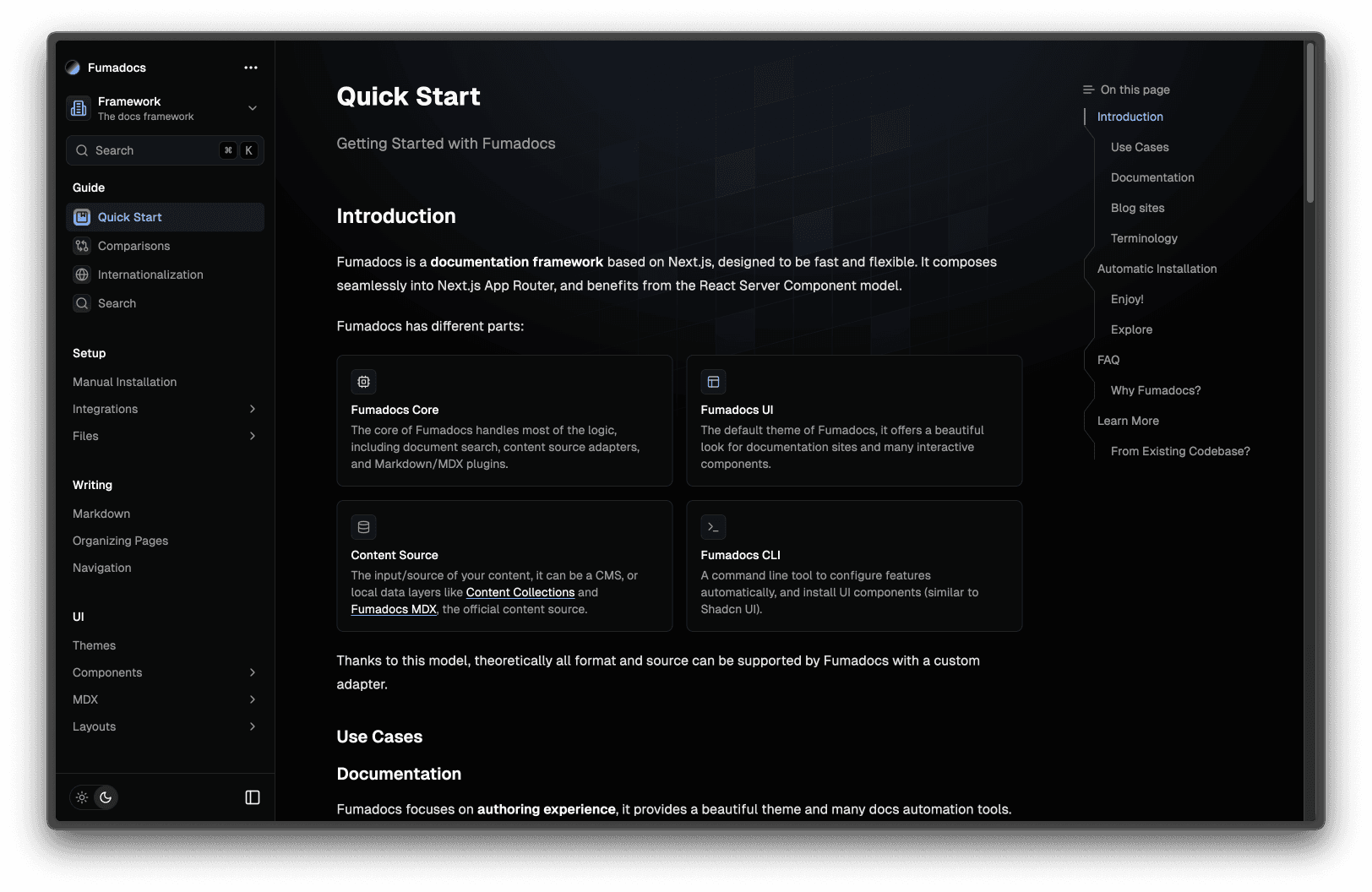
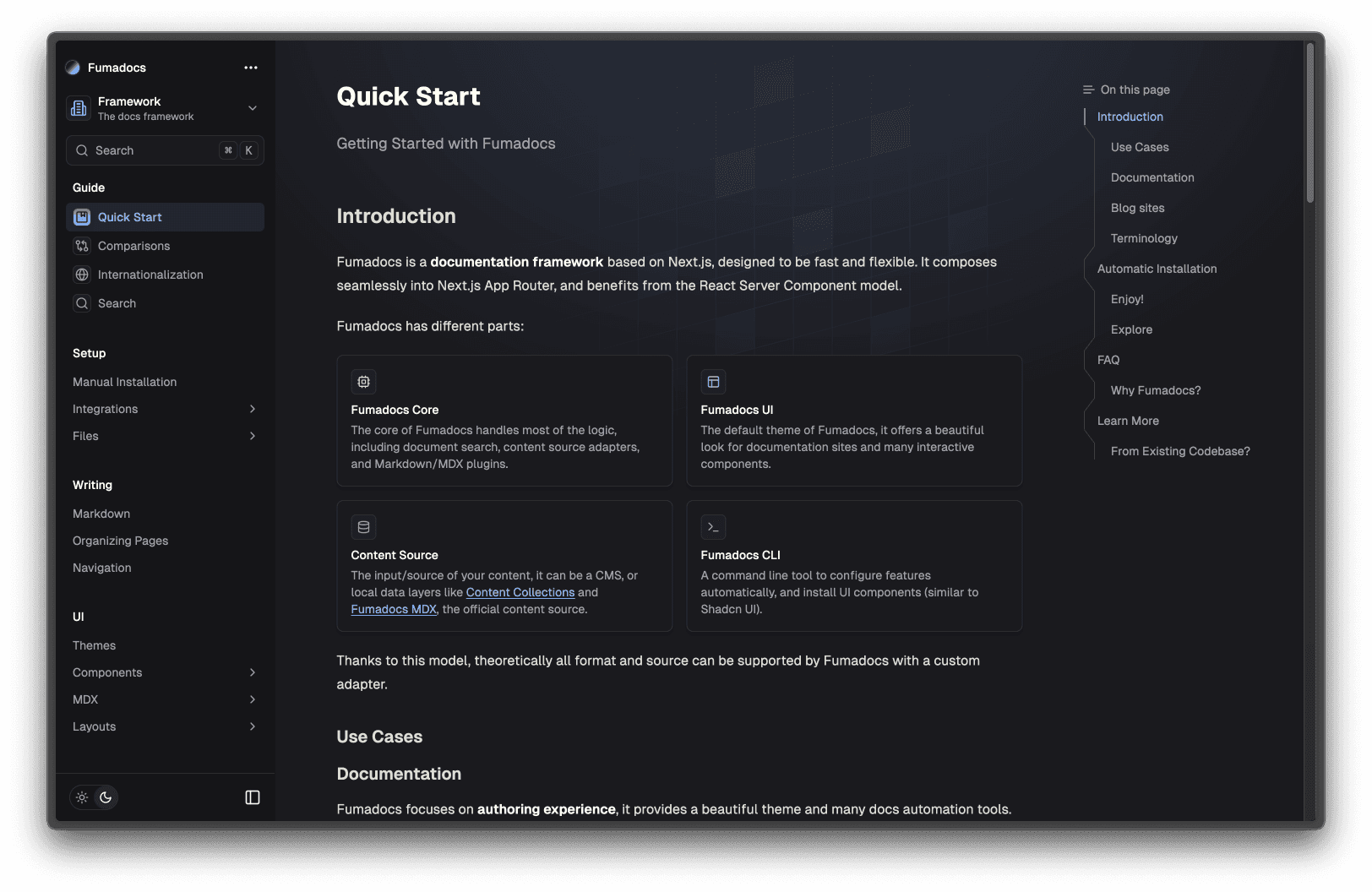
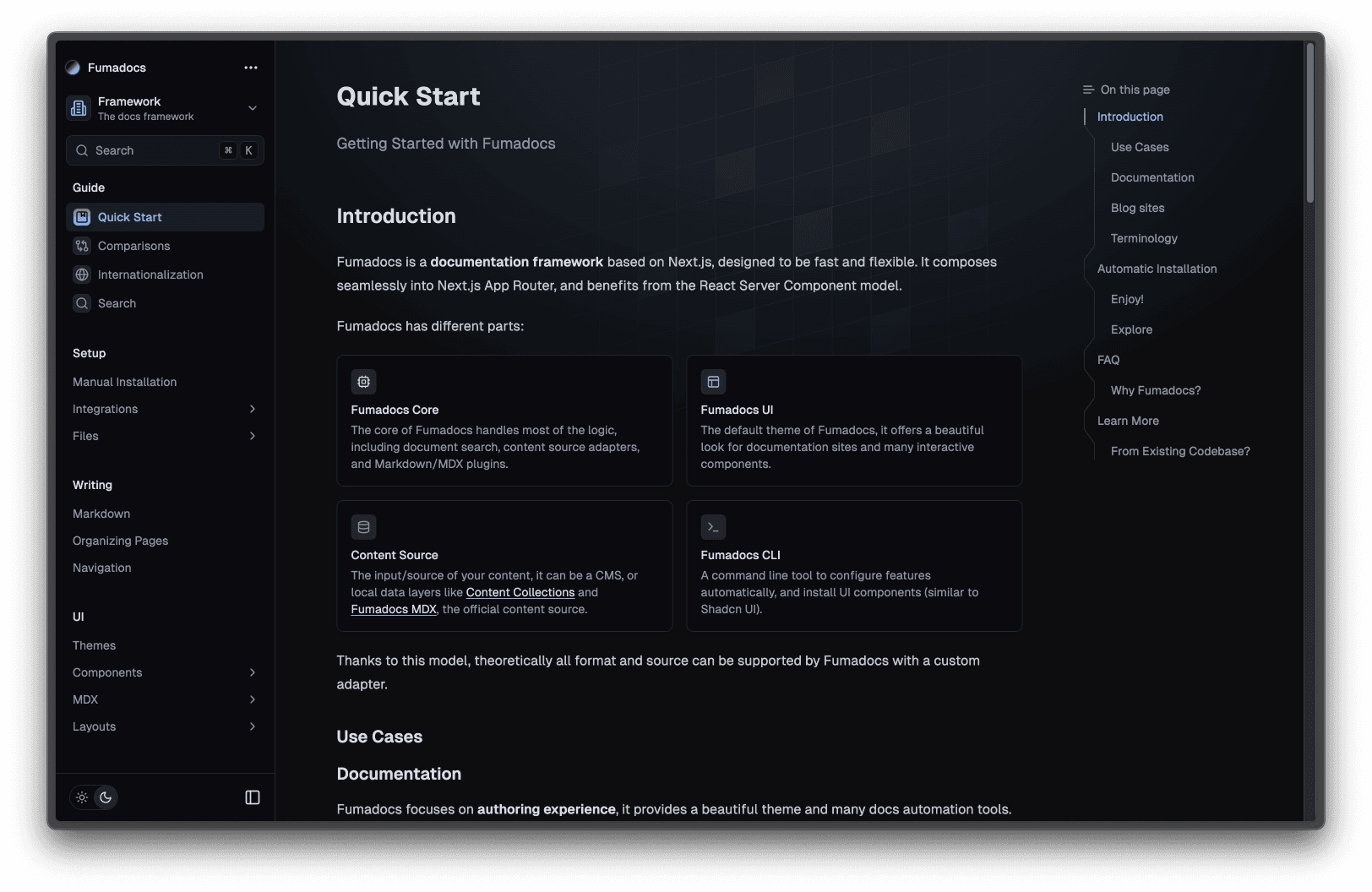
Pick a built-in theme by importing its stylesheet:
@import 'tailwindcss';
@import 'fumadocs-ui/css/<theme>.css';
@import 'fumadocs-ui/css/preset.css';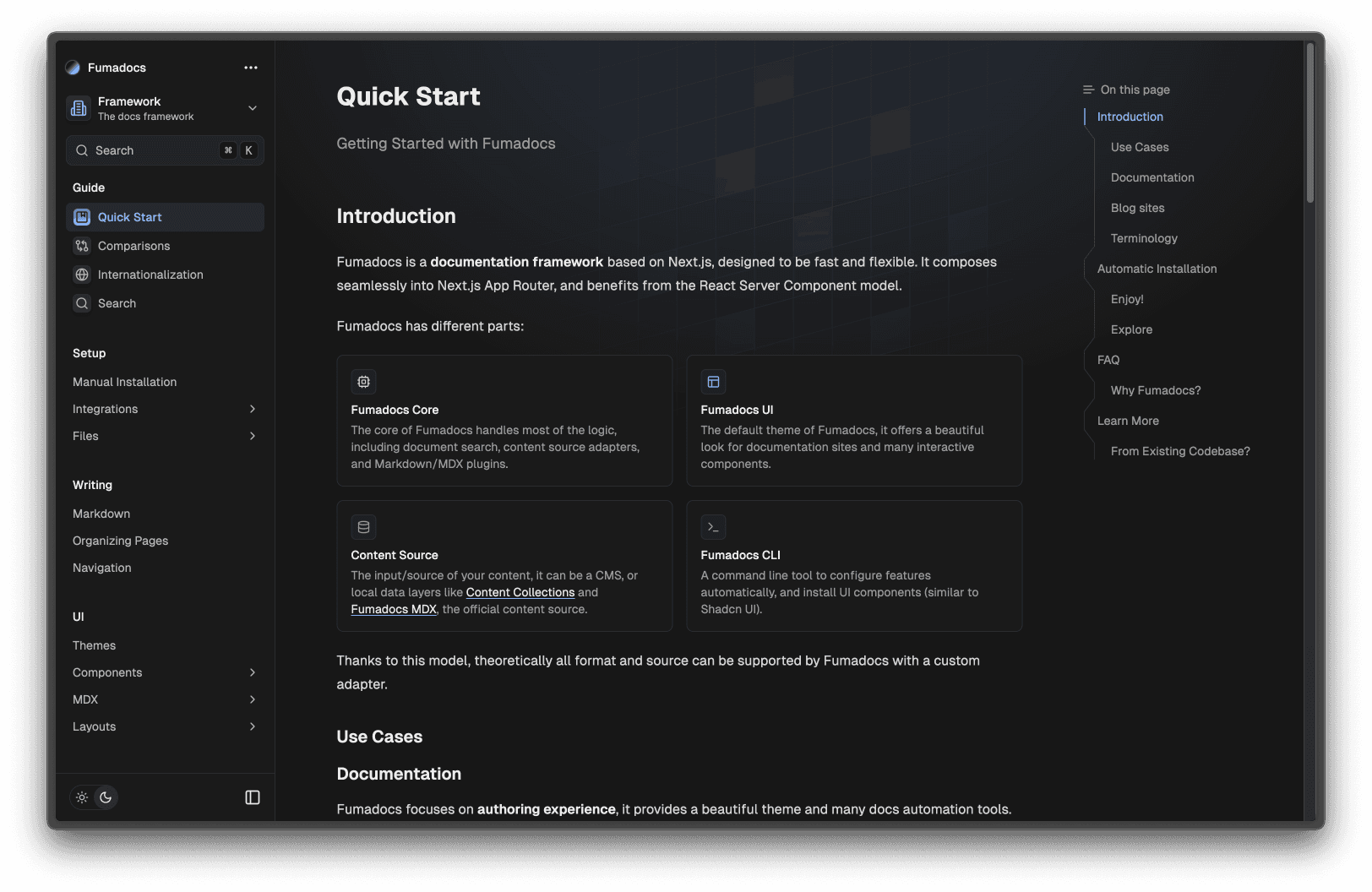
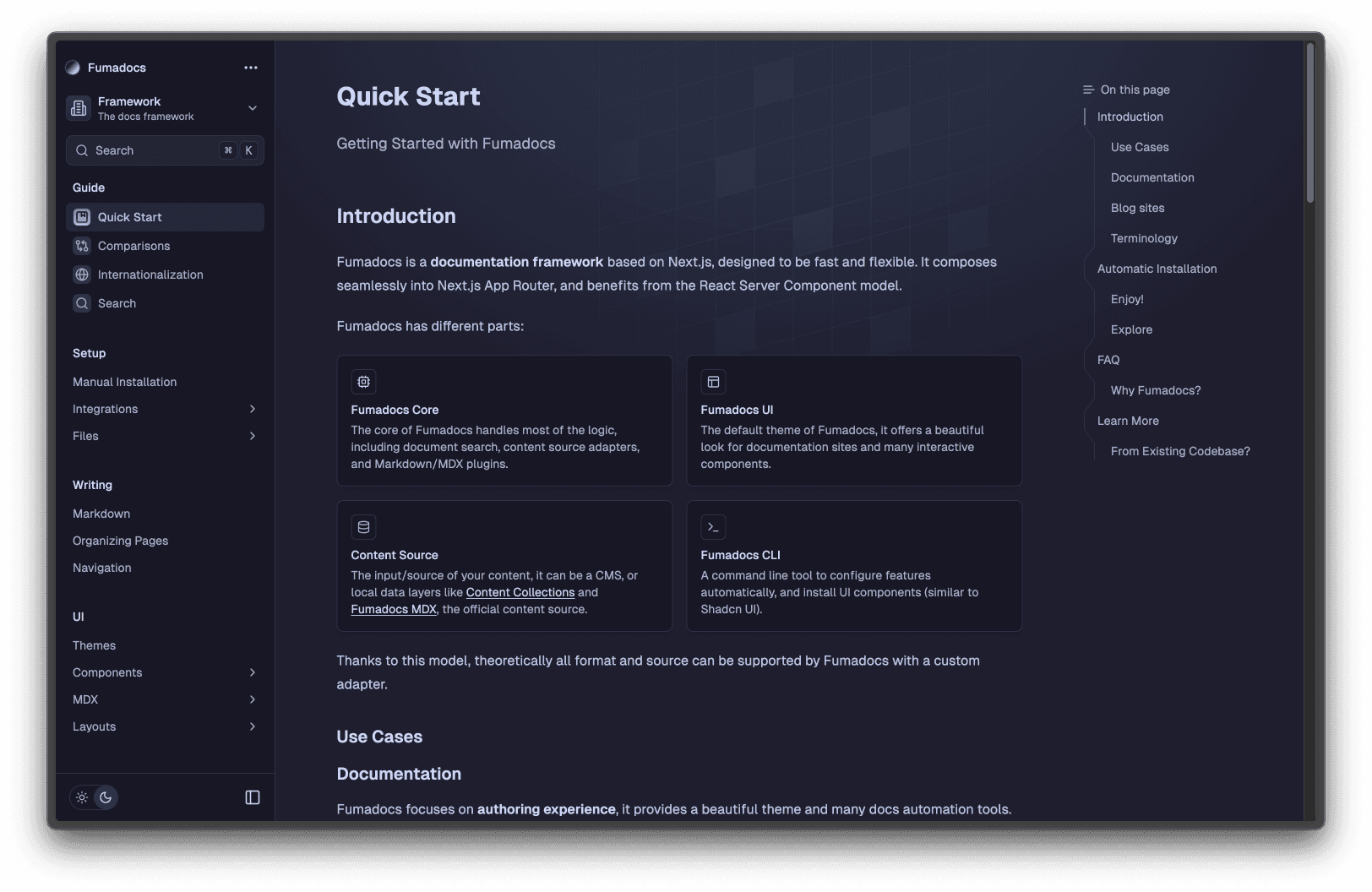
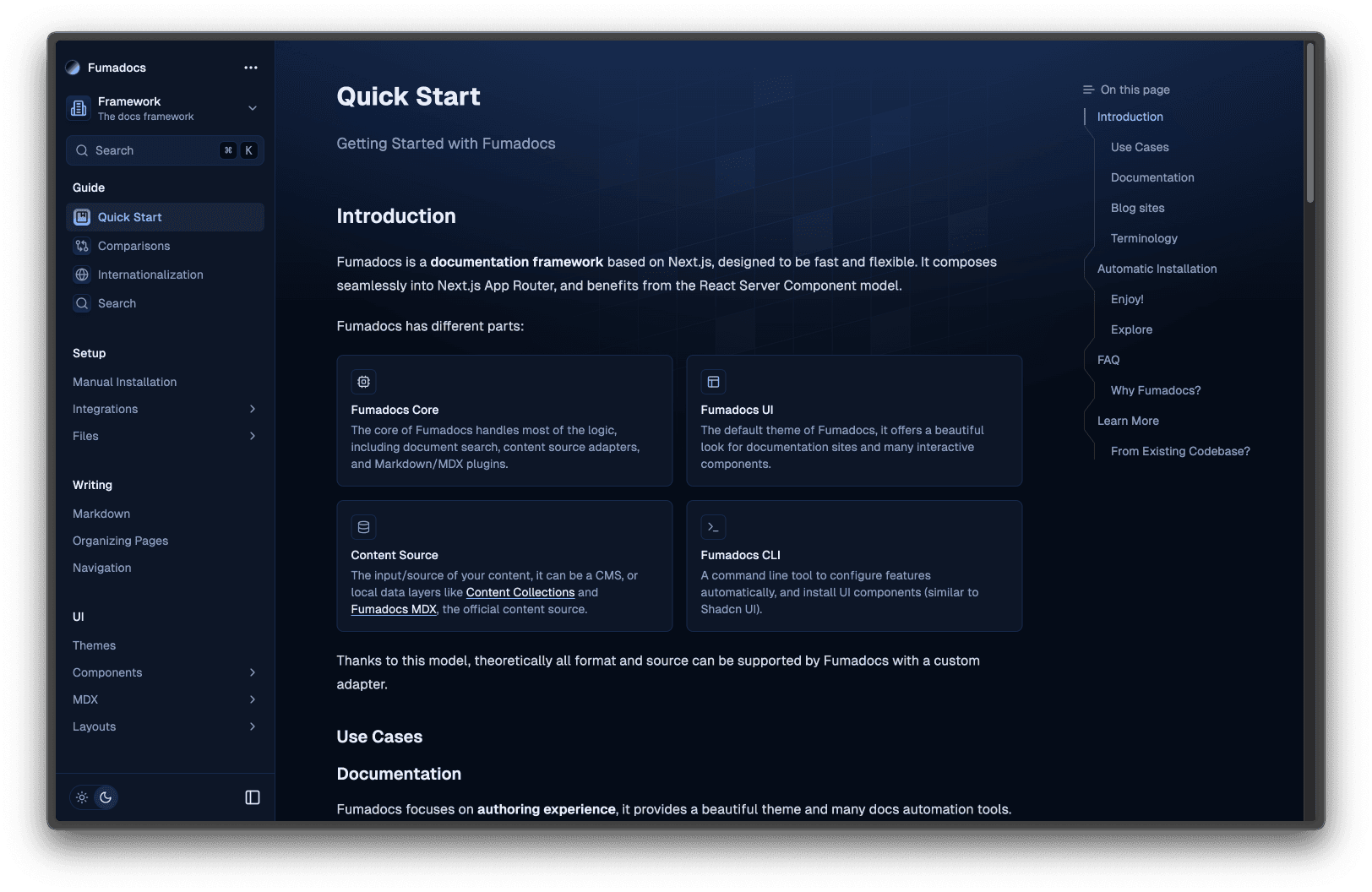
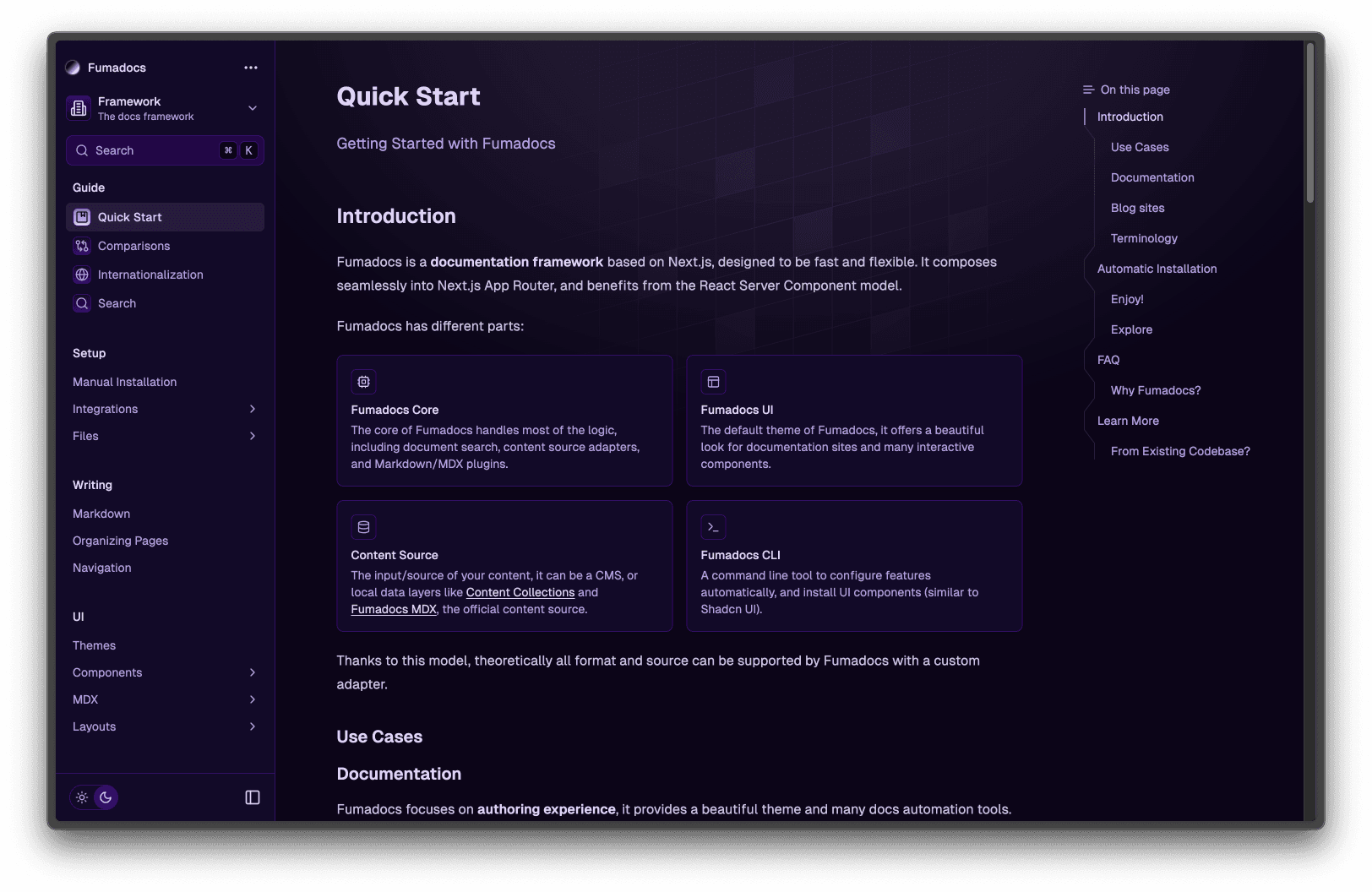
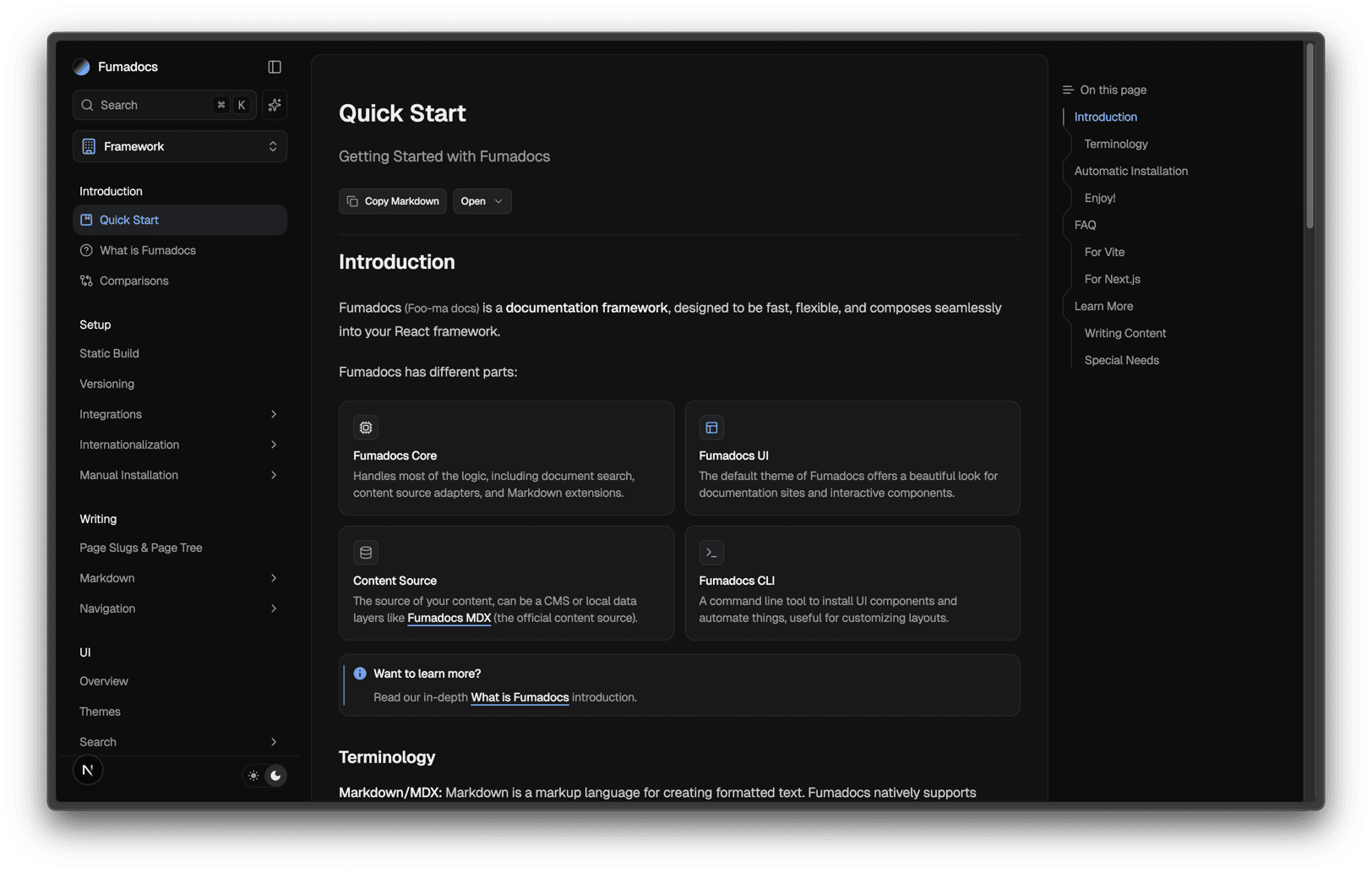
4.2. Custom Theme
Customize the design system colors with CSS variables:
@theme {
  --color-fd-background: hsl(0, 0%, 96%);
  --color-fd-foreground: hsl(0, 0%, 3.9%);
  --color-fd-muted: hsl(0, 0%, 96.1%);
  --color-fd-muted-foreground: hsl(0, 0%, 45.1%);
  --color-fd-popover: hsl(0, 0%, 98%);
  --color-fd-popover-foreground: hsl(0, 0%, 15.1%);
  --color-fd-card: hsl(0, 0%, 94.7%);
  --color-fd-card-foreground: hsl(0, 0%, 3.9%);
  --color-fd-border: hsla(0, 0%, 80%, 50%);
  --color-fd-primary: hsl(0, 0%, 9%);
  --color-fd-primary-foreground: hsl(0, 0%, 98%);
  --color-fd-secondary: hsl(0, 0%, 93.1%);
  --color-fd-secondary-foreground: hsl(0, 0%, 9%);
  --color-fd-accent: hsla(0, 0%, 82%, 50%);
  --color-fd-accent-foreground: hsl(0, 0%, 9%);
  --color-fd-ring: hsl(0, 0%, 63.9%);
}

.dark {
  --color-fd-background: hsl(0, 0%, 7.04%);
  --color-fd-foreground: hsl(0, 0%, 92%);
  --color-fd-muted: hsl(0, 0%, 12.9%);
  --color-fd-muted-foreground: hsla(0, 0%, 70%, 0.8);
  --color-fd-popover: hsl(0, 0%, 11.6%);
  --color-fd-popover-foreground: hsl(0, 0%, 86.9%);
  --color-fd-card: hsl(0, 0%, 9.8%);
  --color-fd-card-foreground: hsl(0, 0%, 98%);
  --color-fd-border: hsla(0, 0%, 40%, 20%);
  --color-fd-primary: hsl(0, 0%, 98%);
  --color-fd-primary-foreground: hsl(0, 0%, 9%);
  --color-fd-secondary: hsl(0, 0%, 12.9%);
  --color-fd-secondary-foreground: hsl(0, 0%, 92%);
  --color-fd-accent: hsla(0, 0%, 40.9%, 30%);
  --color-fd-accent-foreground: hsl(0, 0%, 90%);
  --color-fd-ring: hsl(0, 0%, 54.9%);
}
Last updated on